Back to Changelog
Understand who buys across your events
· Joris Oudejans
Explore your ticket buyers across events and find the same groups with purchase filters in People.
Audience Insights brings ticket buyers from the events you manage into one overview. Choose a period to see all buyers, first-time buyers and people who bought tickets for two or more of your events in that period. Explore the available demographics and open each group in People.
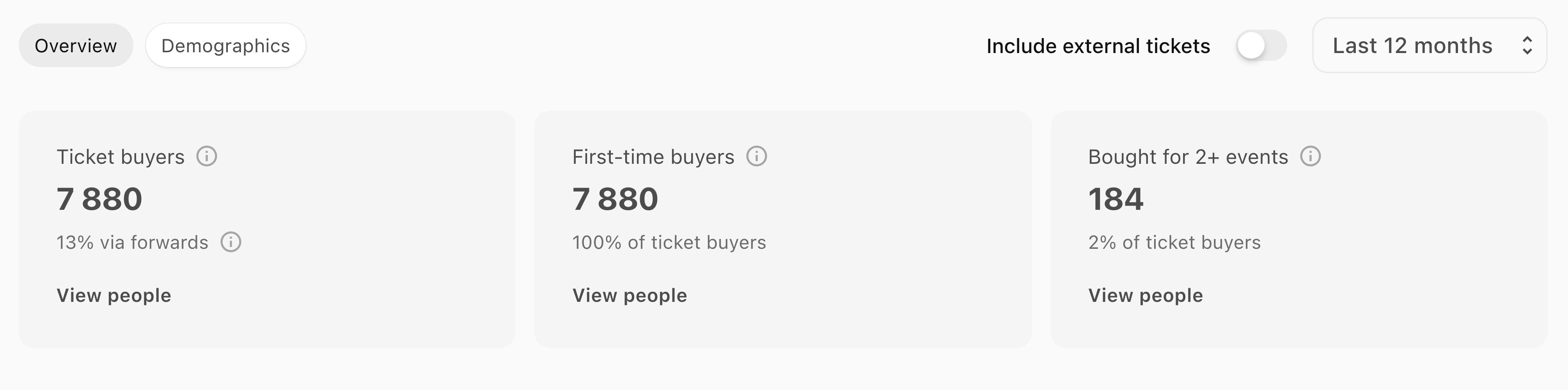
The same purchase filters are available in People, so you can find those groups without rebuilding the selection. External ticket orders are excluded by default and can be included when available. First-time buyer counts and demographics depend on the purchase history and profile information available in BASH.