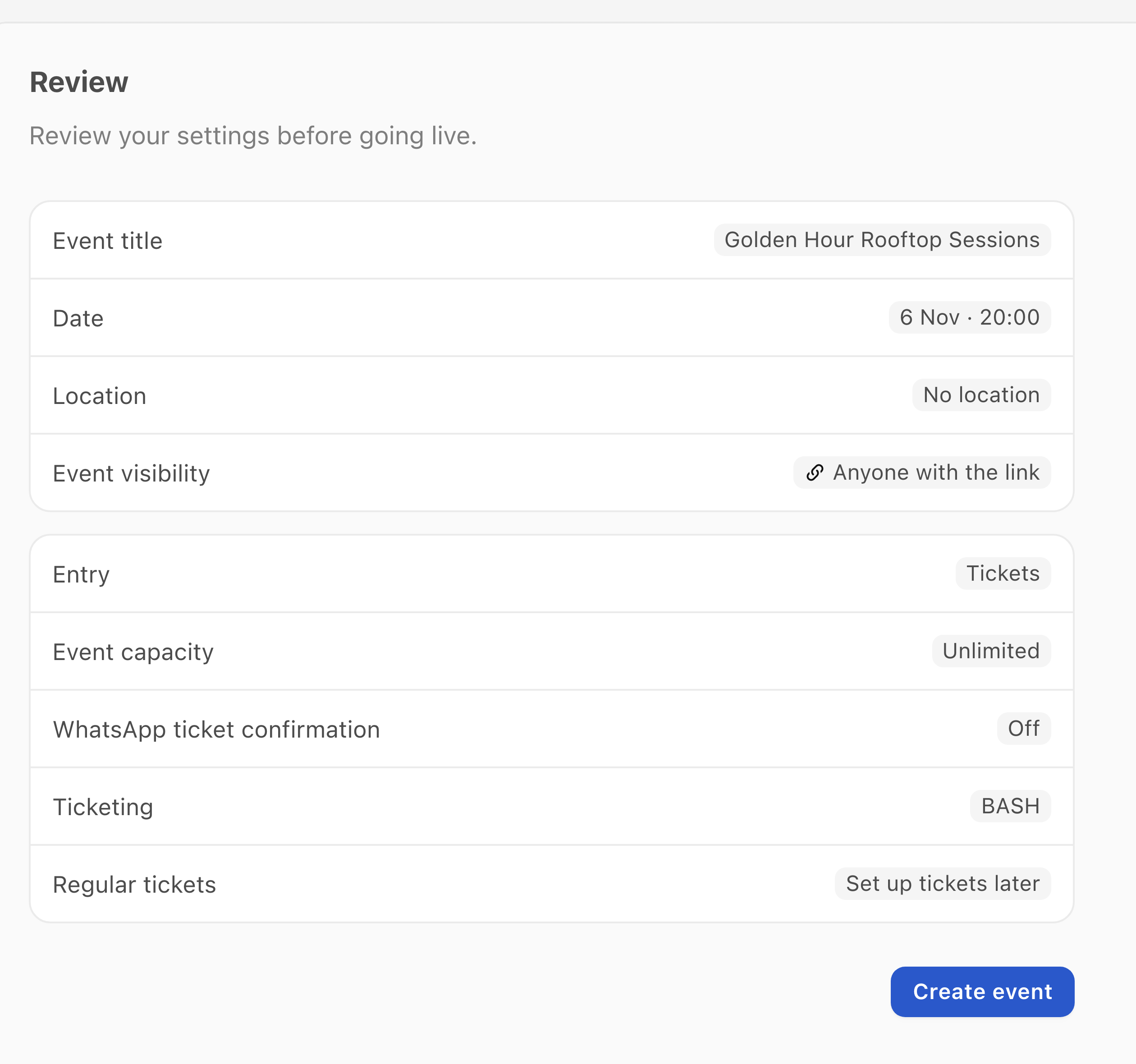
You can now set up regular tickets and their availability while creating an event, then review everything together before saving. If your tickets are not ready, you can set them up later.
Review the event and regular-ticket setup together. This unsaved example leaves ticket setup for later.
Presales, member sales and other specialised ticket sales have their own setup. Available ticket controls depend on your connected provider and permissions.
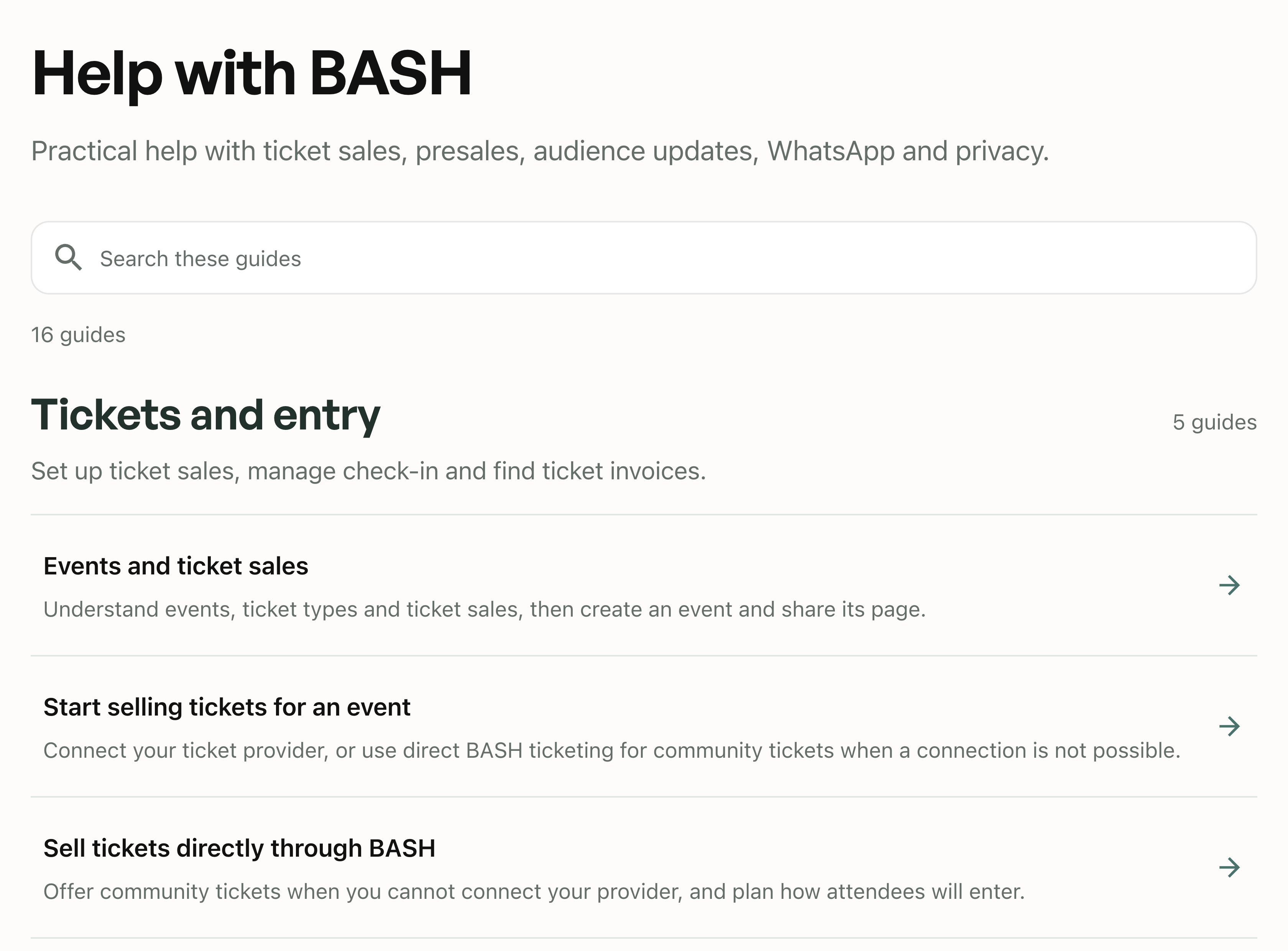
The new Help Centre brings practical guides, screenshots and explanations together in one place. Search for a task or browse by topic to find help with events, ticket sales, audiences, Posts and WhatsApp.
Search for a task or browse the available guides by topic.
Open relevant guides from the dashboard using See how it works. The guides are currently available in English.
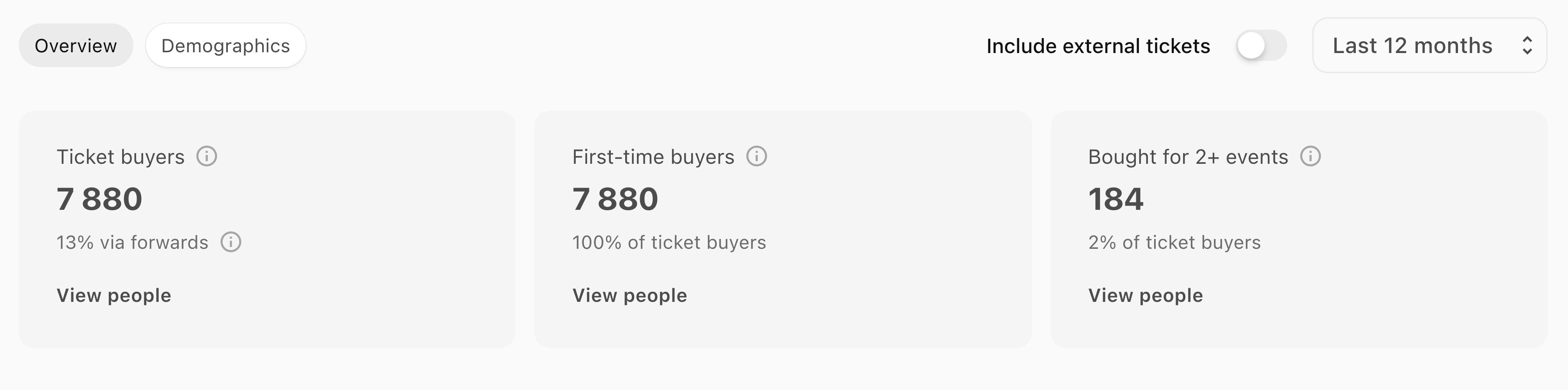
Audience Insights brings ticket buyers from the events you manage into one overview. Choose a period to see all buyers, first-time buyers and people who bought tickets for two or more of your events in that period. Explore the available demographics and open each group in People.
Choose a period and open each buyer group in People. The screenshot uses example data.
The same purchase filters are available in People, so you can find those groups without rebuilding the selection. External ticket orders are excluded by default and can be included when available. First-time buyer counts and demographics depend on the purchase history and profile information available in BASH.
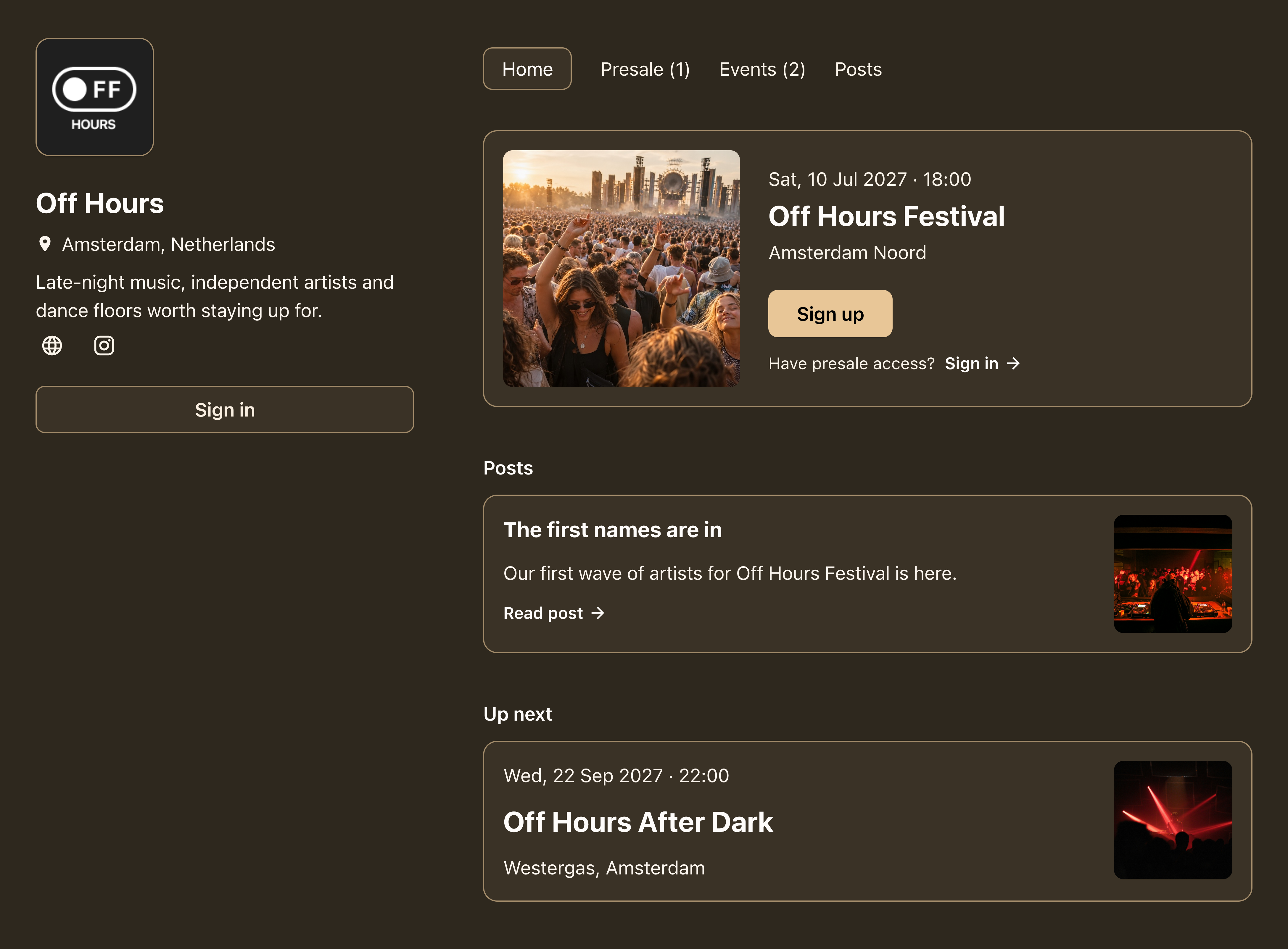
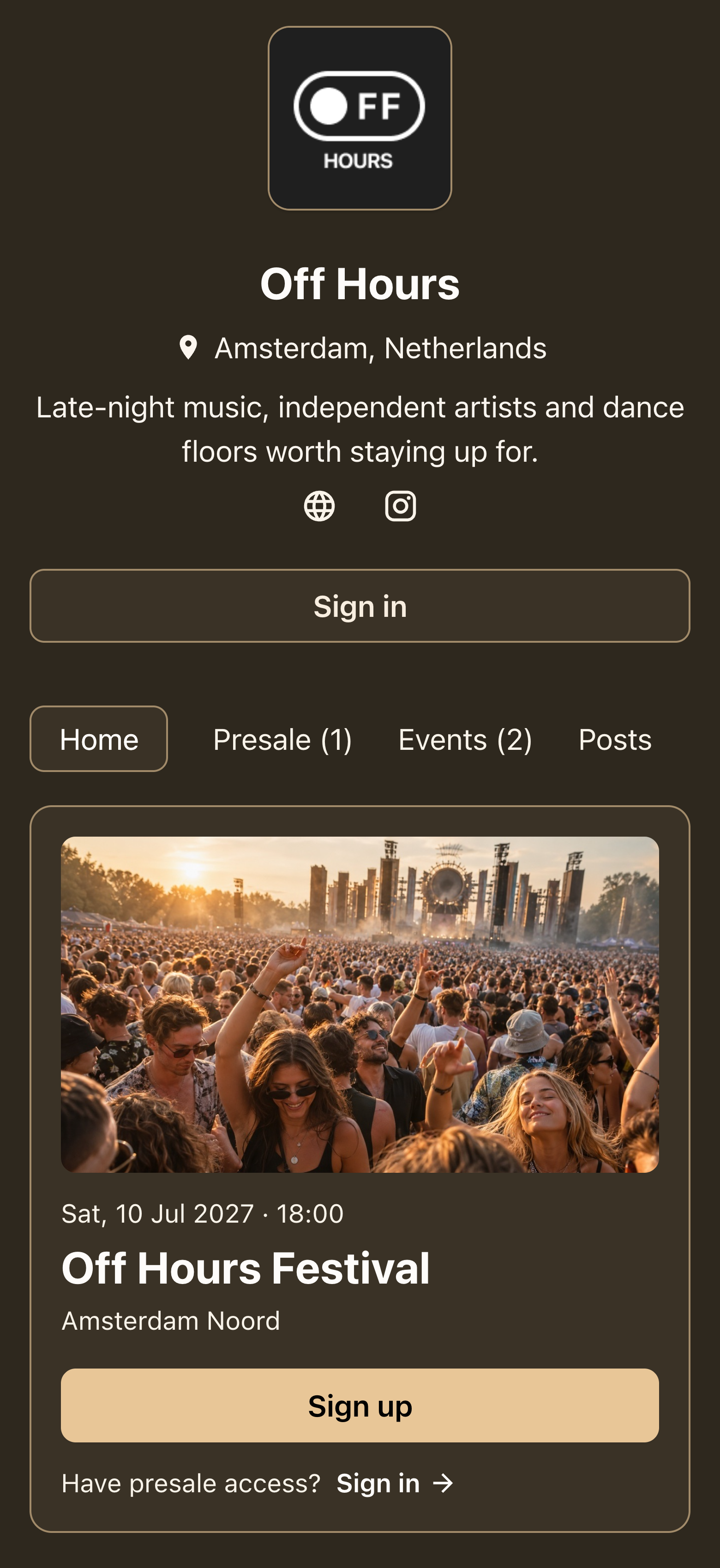
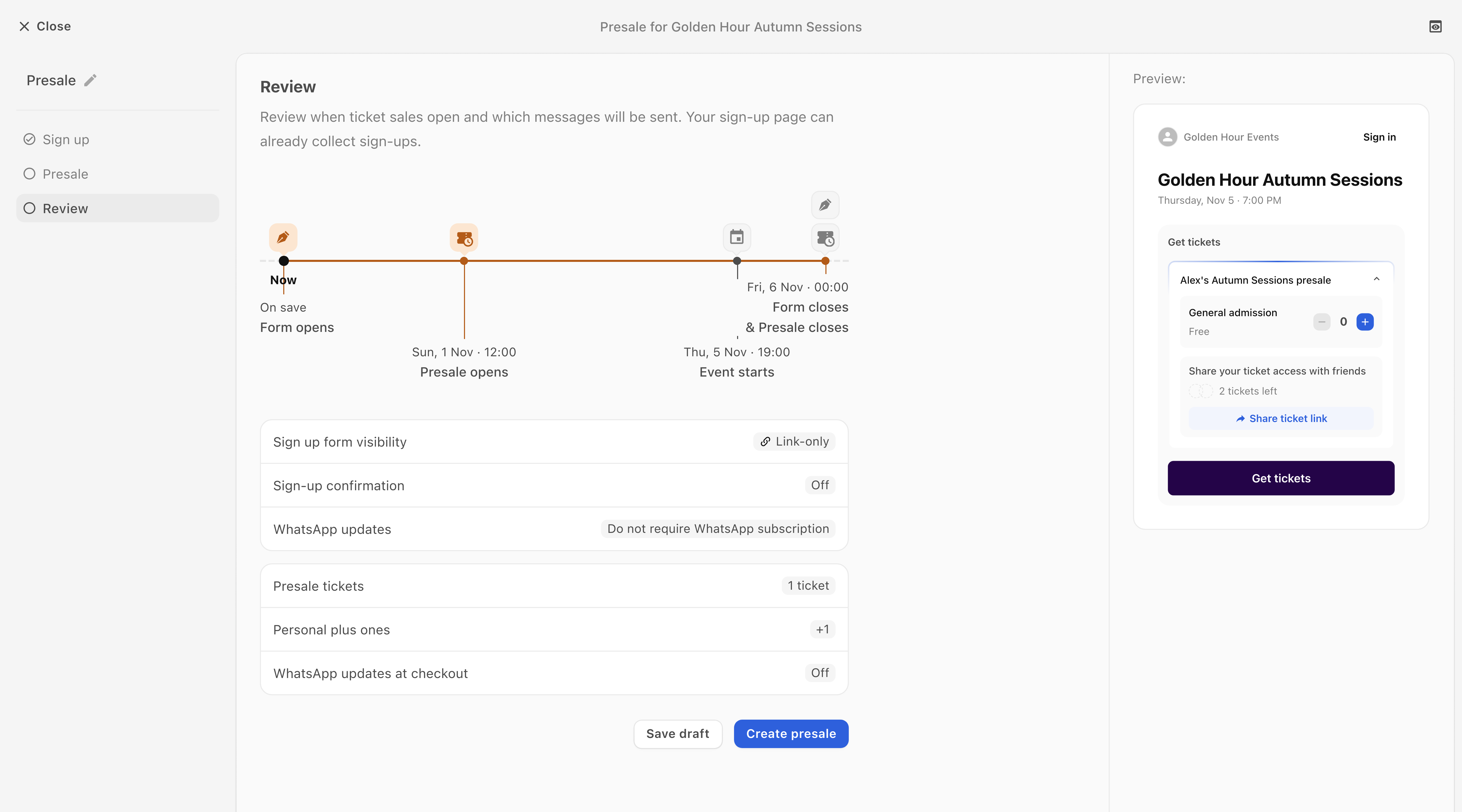
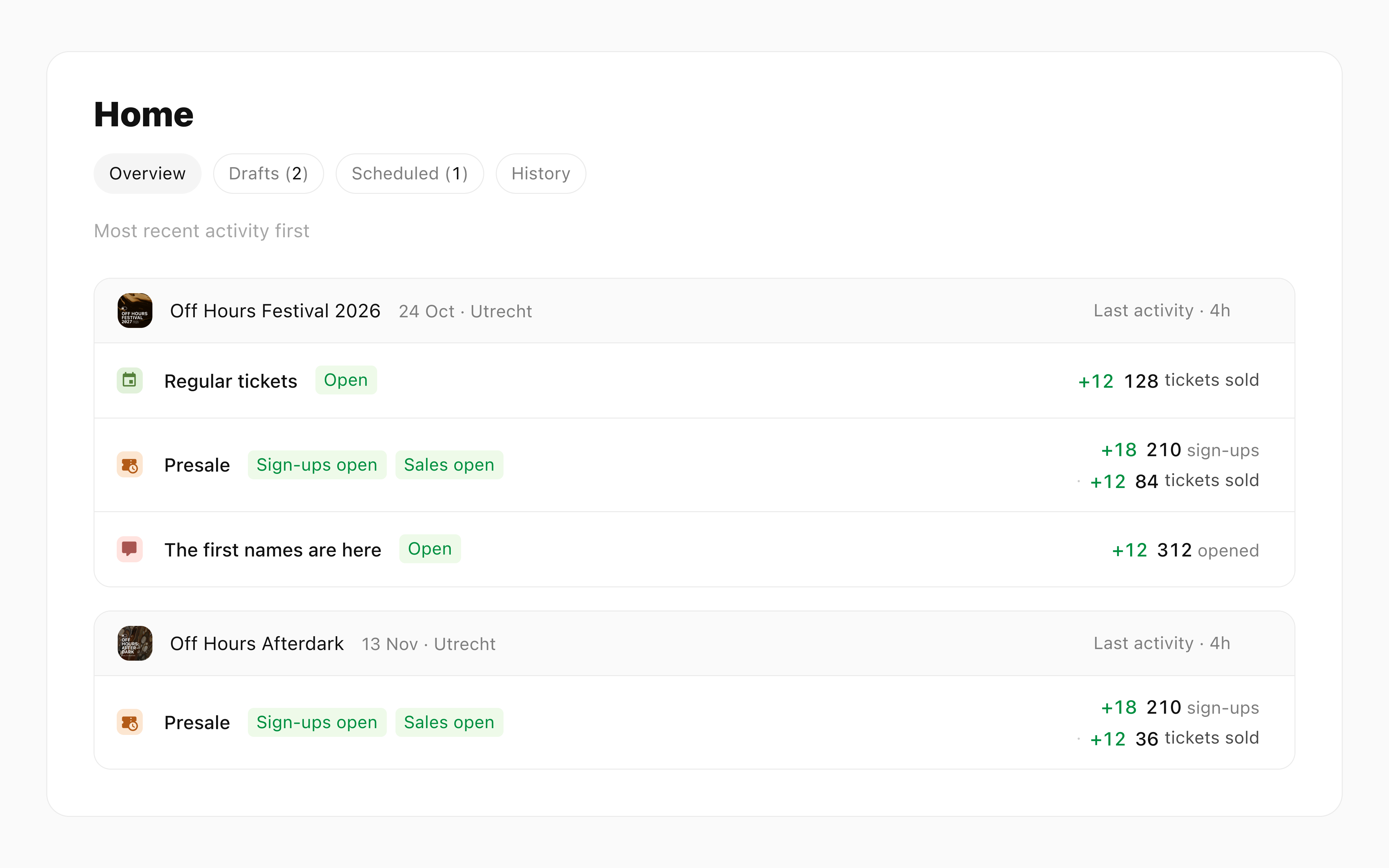
Organisers can open a presale with a branded sign-up page, then give each registrant personal ticket access before the public sale.
BASH delivers access through WhatsApp or email and works alongside the organiser’s existing ticket provider.
Current demo (30 October 2026): review a presale and its personal ticket-access preview together. Synthetic unsaved example.
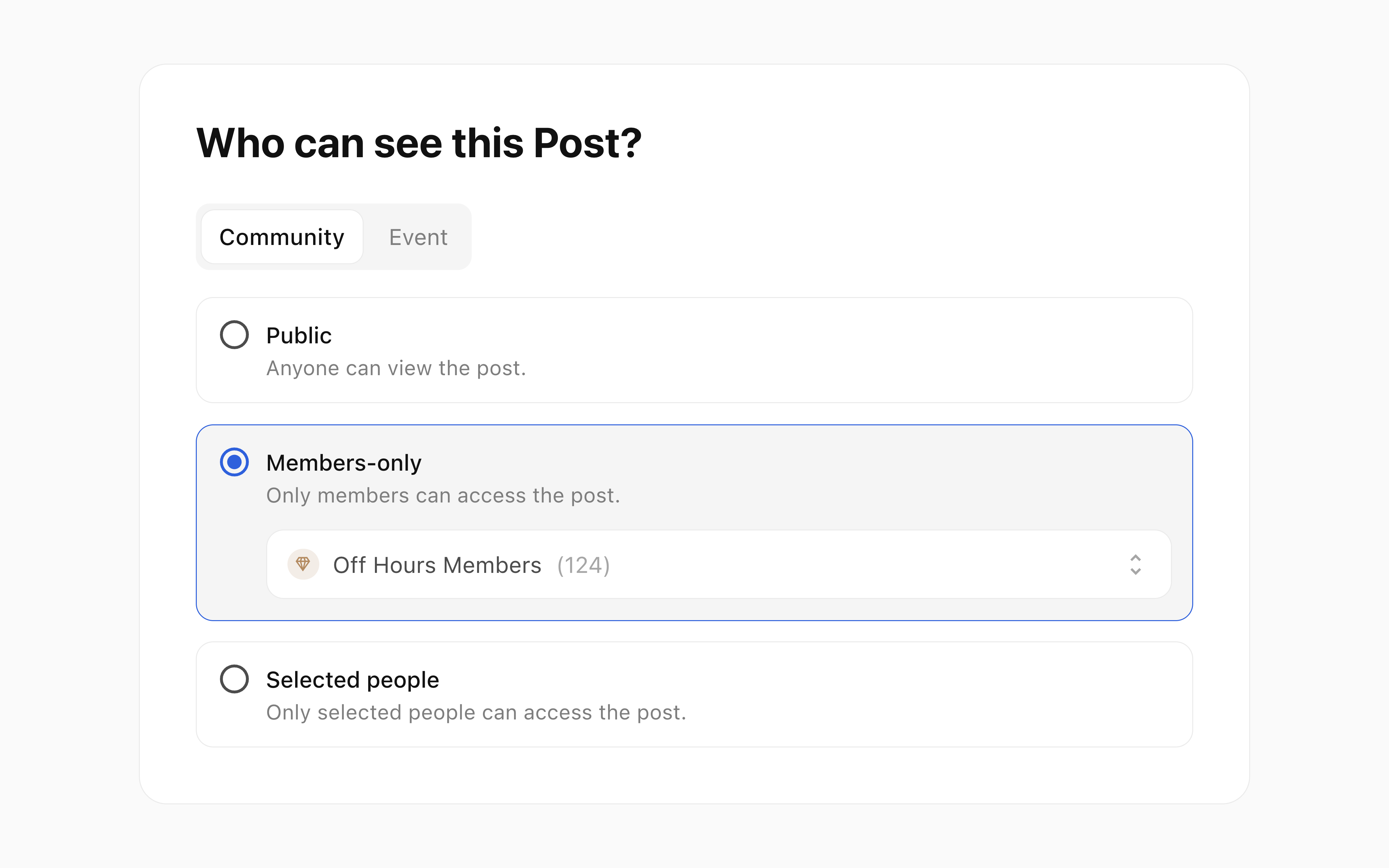
Post reading access and notification delivery are now separate settings. Choose public, members-only, selected people or event access, then choose notification recipients and channels separately. Membership is checked when the Post is opened; delivery still follows consent, unsubscribe choices, channel availability and eligible WhatsApp templates.
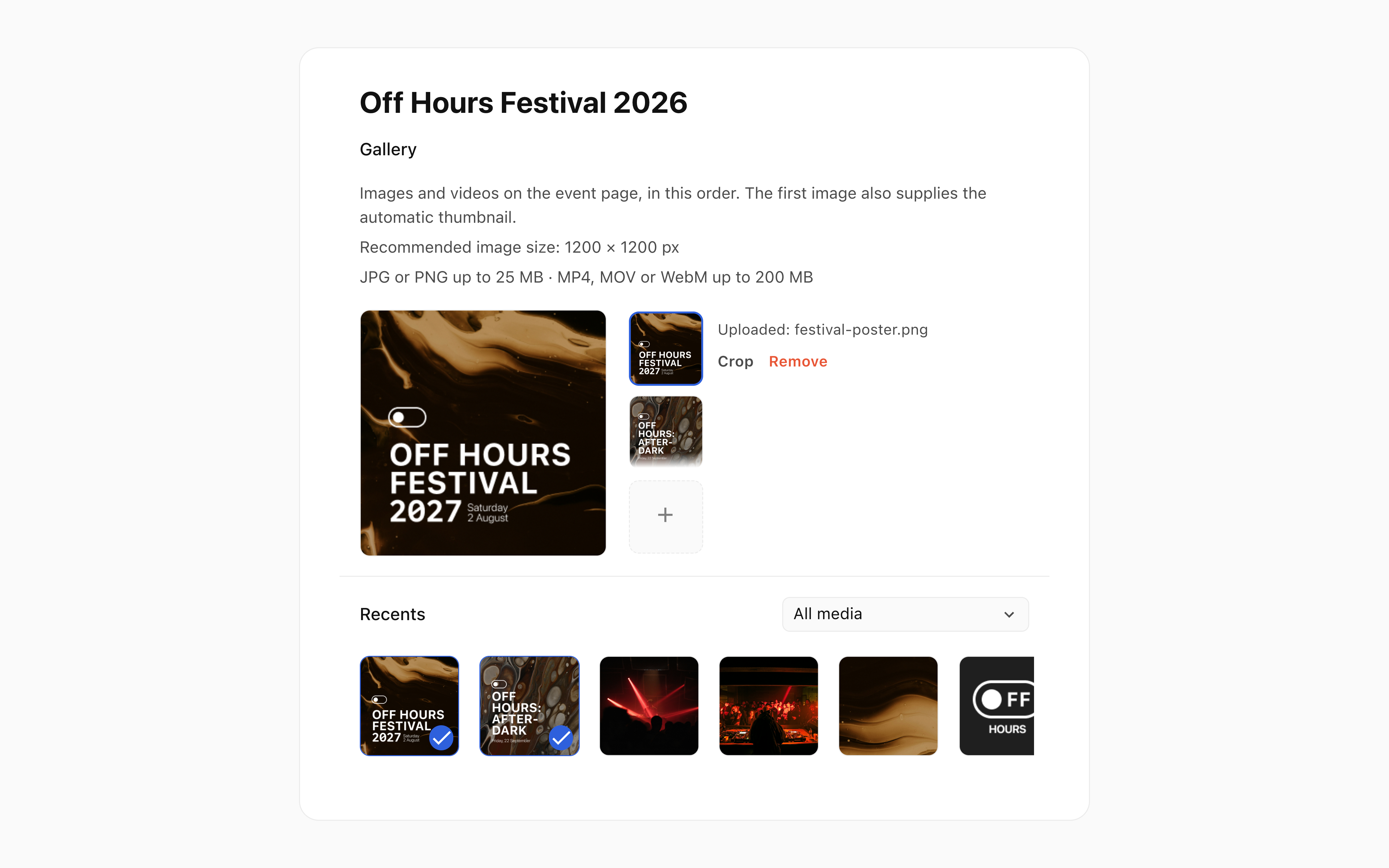
The media editor can select existing media from Recents or filter by the event where it was used. Event galleries support reusable images and videos; organisers can reorder the gallery and adjust an image crop without replacing the original. Available media depends on permissions.
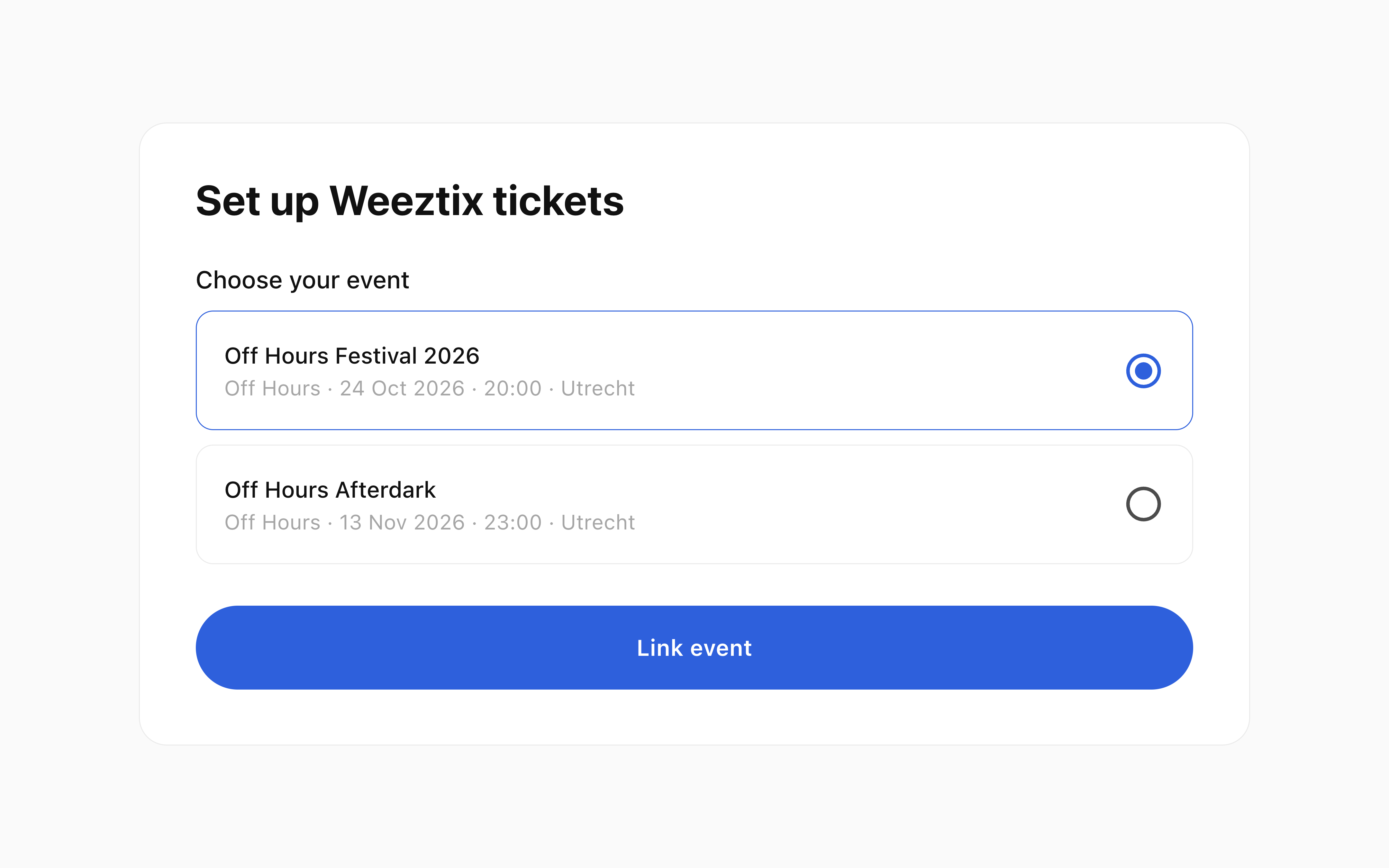
Organisers can select the matching event from their connected Weeztix account in BASH, which creates the managed shop used for the connection. Where editing is available, supported ticket details can be changed in BASH and validated by Weeztix. Controls depend on account permissions and ticket capabilities; these editing controls do not apply to Paylogic.
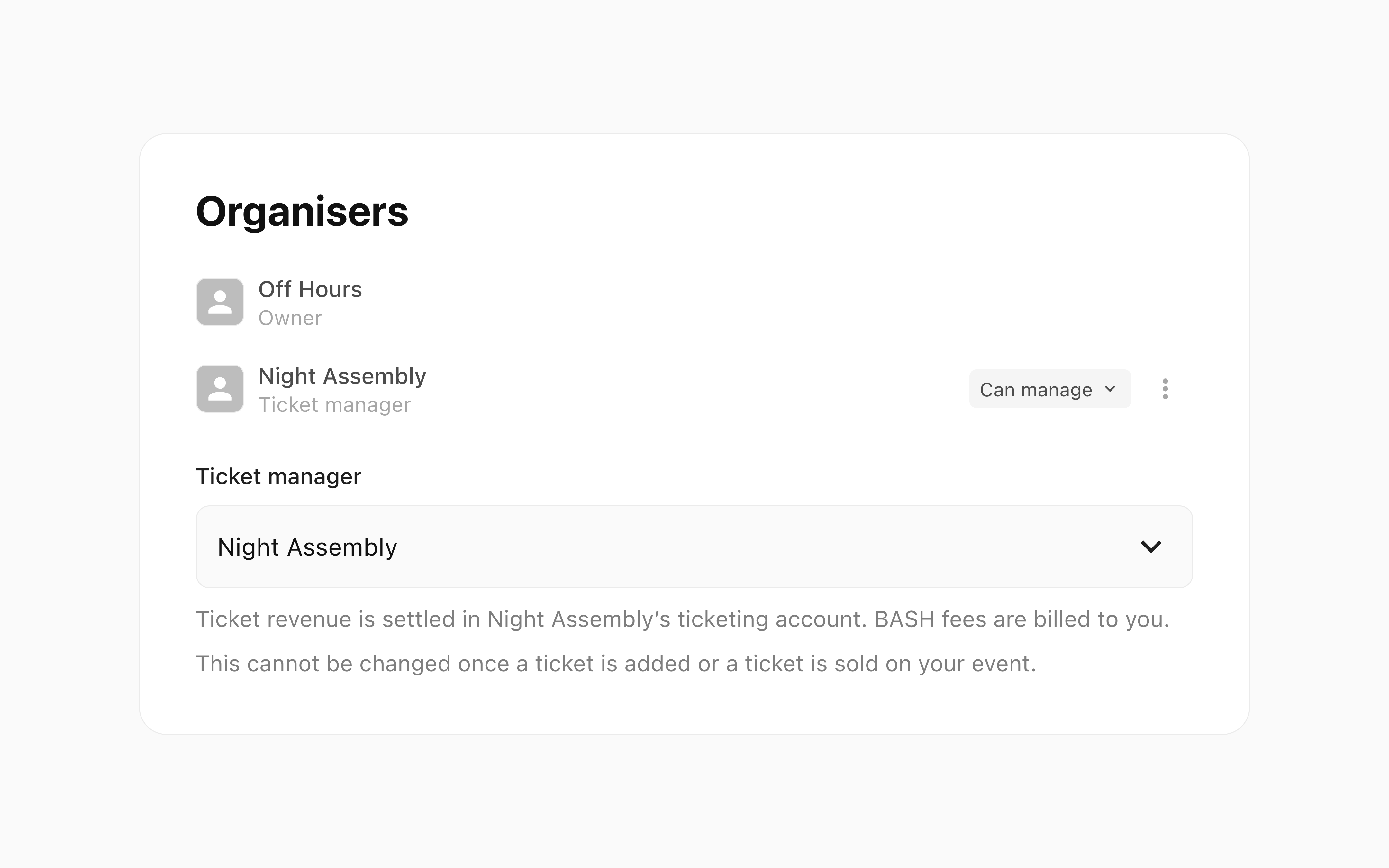
Event owners can invite a partner organisation, set its event permissions and choose whether it receives public organiser credit. Ticketing responsibility is assigned separately and can become fixed once setup or sales have begun. Ticket revenue goes to the designated organisation’s ticketing account; BASH fees are billed to the event owner. Options depend on provider and event setup.