Introducing Posts
· Joris Oudejans
Share updates with your community by email or WhatsApp, without setting up a whole campaign.
Posts makes it easier to keep in touch with your community. Share insider news, drop your lineup, send ticket reminders or ask for feedback.
Sending a quick message to your community can quickly turn into a whole campaign: build the email, export and import contacts, create segments, filter for the right people and add ticket links. Then check that it all matches. That is a lot of setup just to tell your community something.
One place to write and share
BASH brings your audience, sign-ups and ticket purchases together. Posts uses that information to help you reach the right people without rebuilding a mailing list for every update.
Write your message, with artwork if you like, and choose who it is for. If there is a next step, add your presale, ticket sale or ambassador shop.
A clear layout gives your words and artwork room, with your branding throughout. Posts are designed to read well on a phone or in an inbox.
Send directly to selected people by email or WhatsApp, or publish a public post on your branded community page.
Each recipient gets a personal link to your post. They open it already signed in and can go straight to your presale, ticket sale or ambassador shop.
For example: invite people to your presale
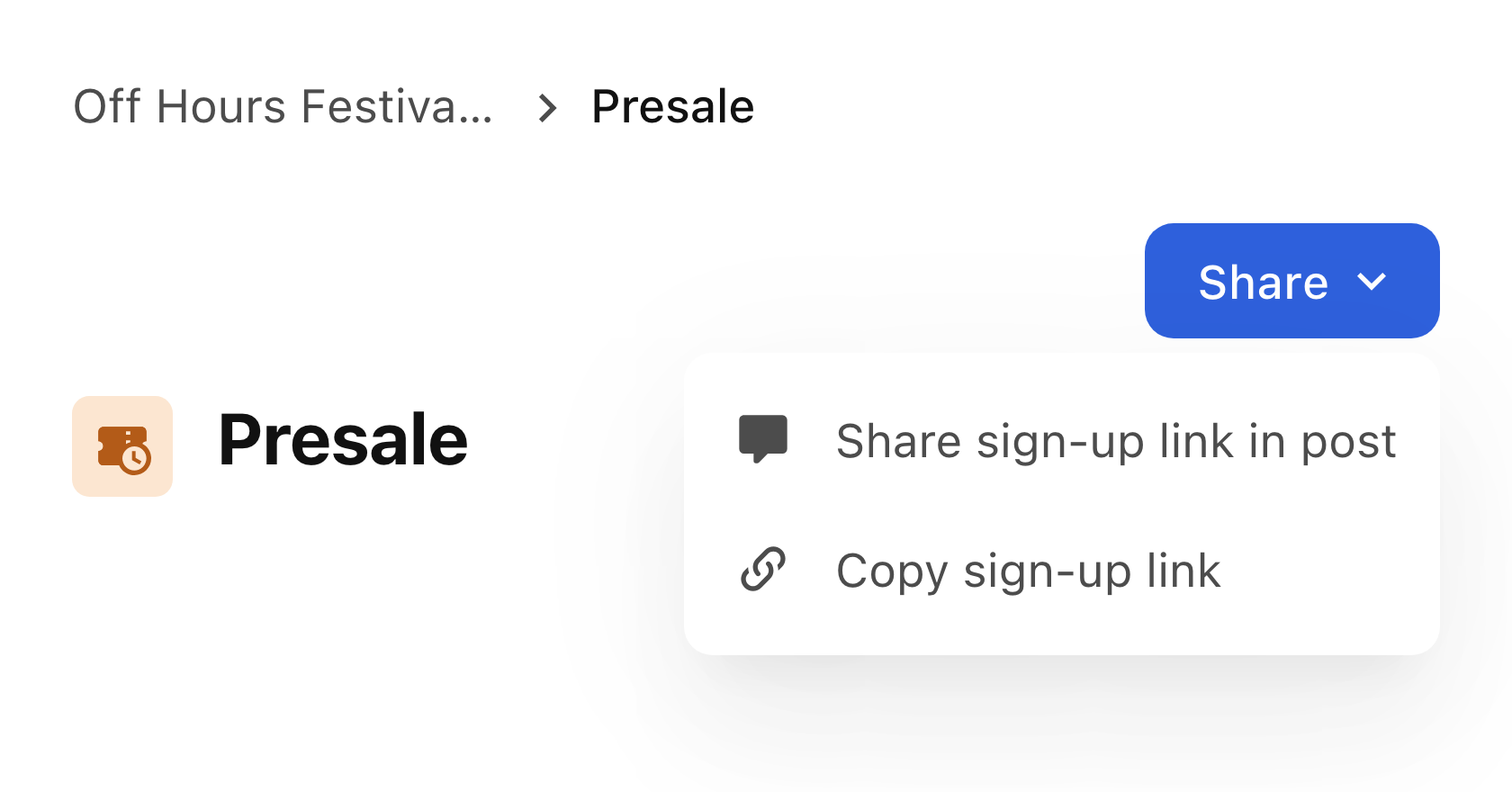
Start a post from your presale’s share menu. The presale is already included, ready for your announcement.
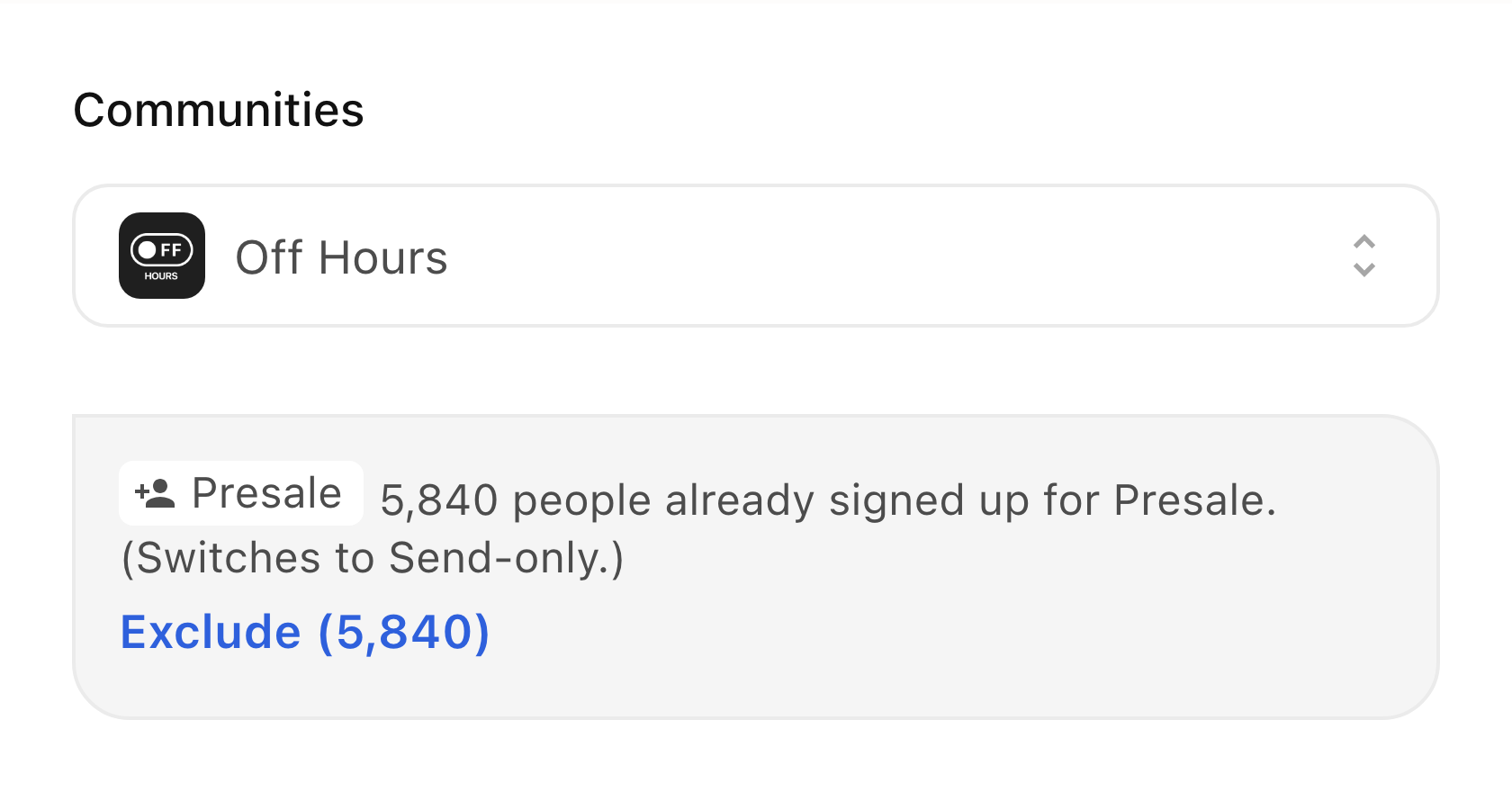
Choose whom to invite. With one click, leave out people who have already signed up.
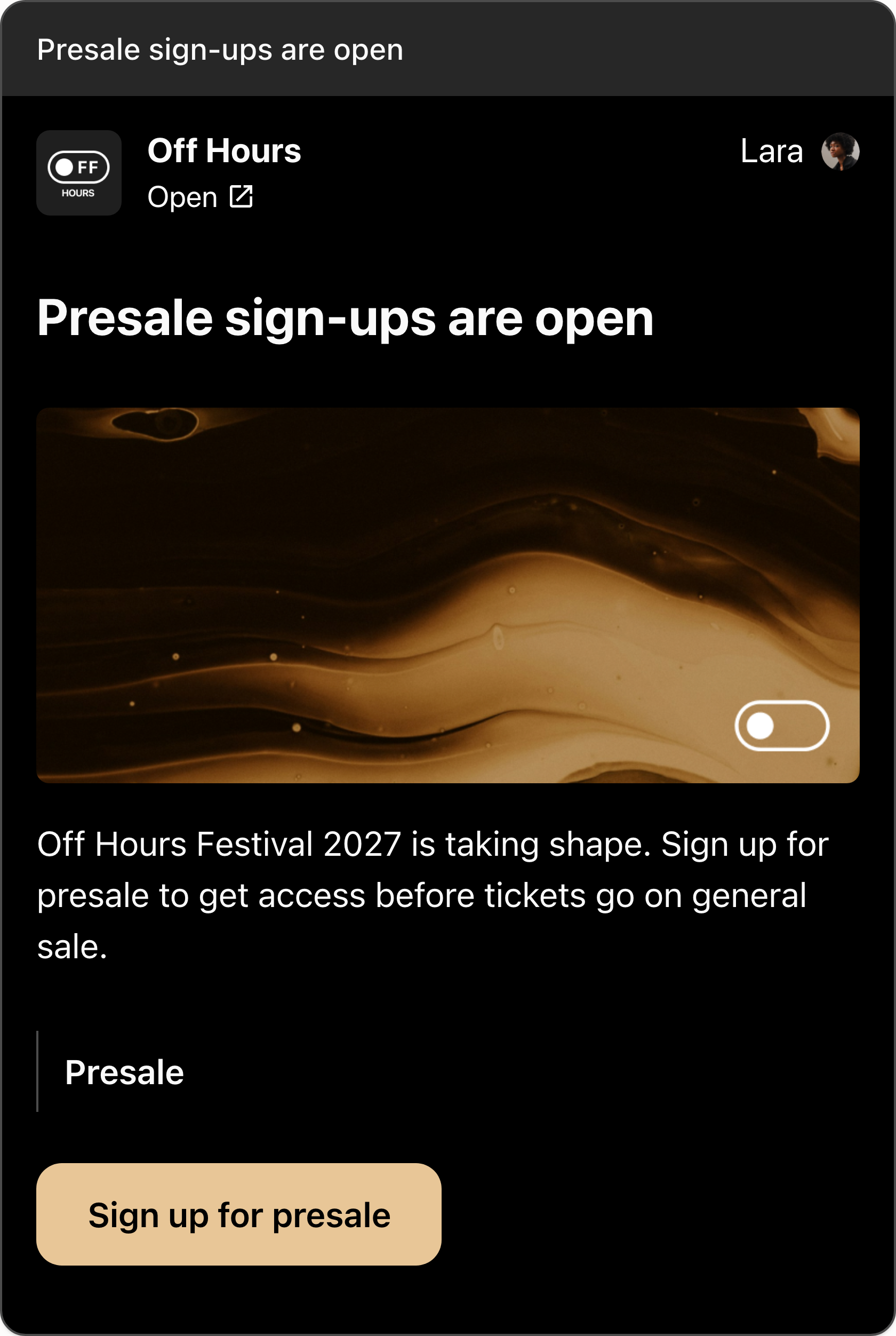
Your community receives a branded invitation. Fans open their personal link and sign up in one tap.
Stay in touch between events
Share insider news with your community before it goes public, remind people when tickets go on sale or ask what they would like to see at your next event. You can keep in touch whenever there is something worth sharing, without building a new campaign each time.
People can reply to your posts, and their messages arrive in your chat. You can answer them directly, turning a quick update into a conversation.
Start with the next message you need to send. Create a post, or follow the Posts guide for setup and publishing.